Loading pattern preview
BlocksArtifacts
Chart Artifact
Chart Artifact
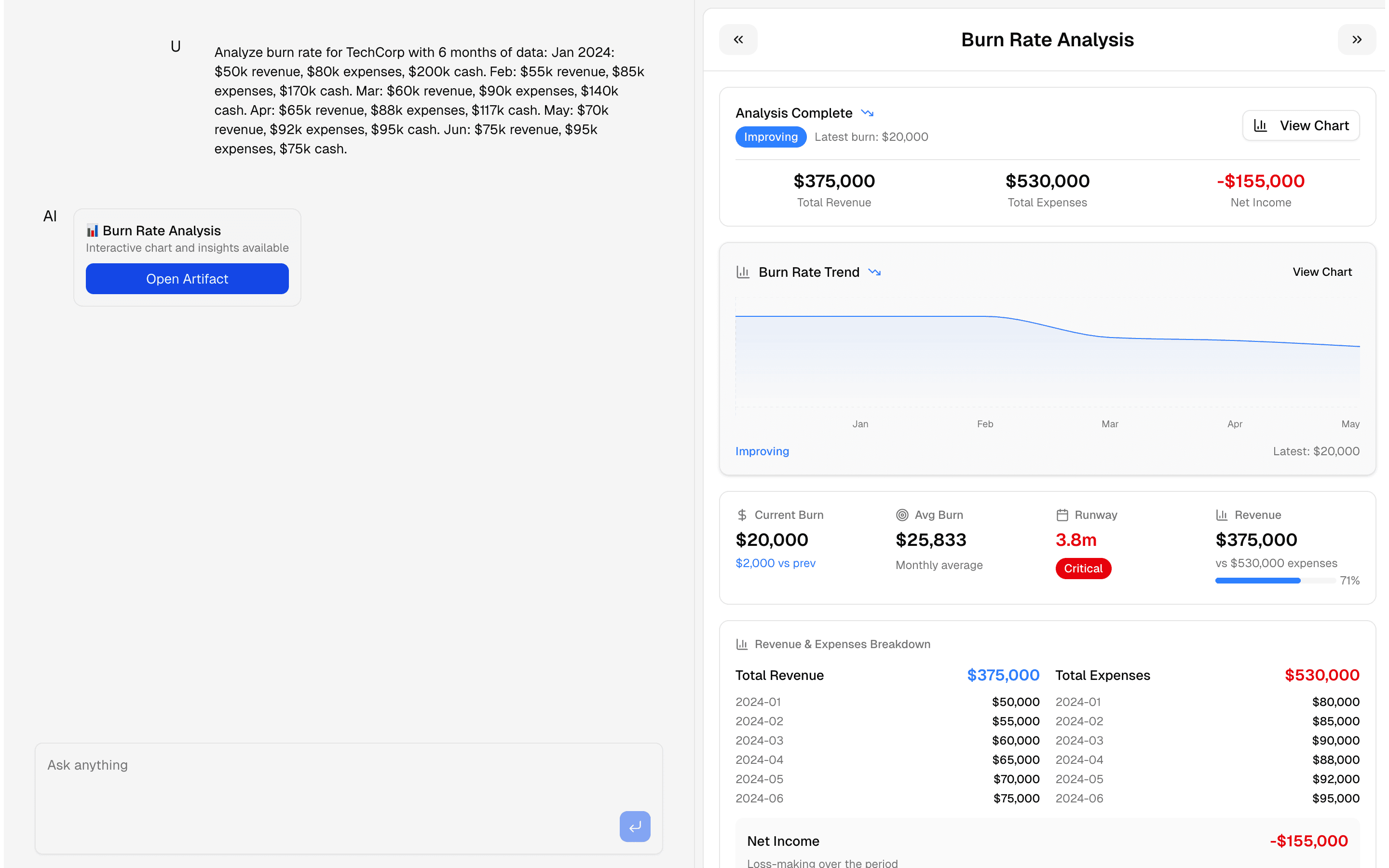
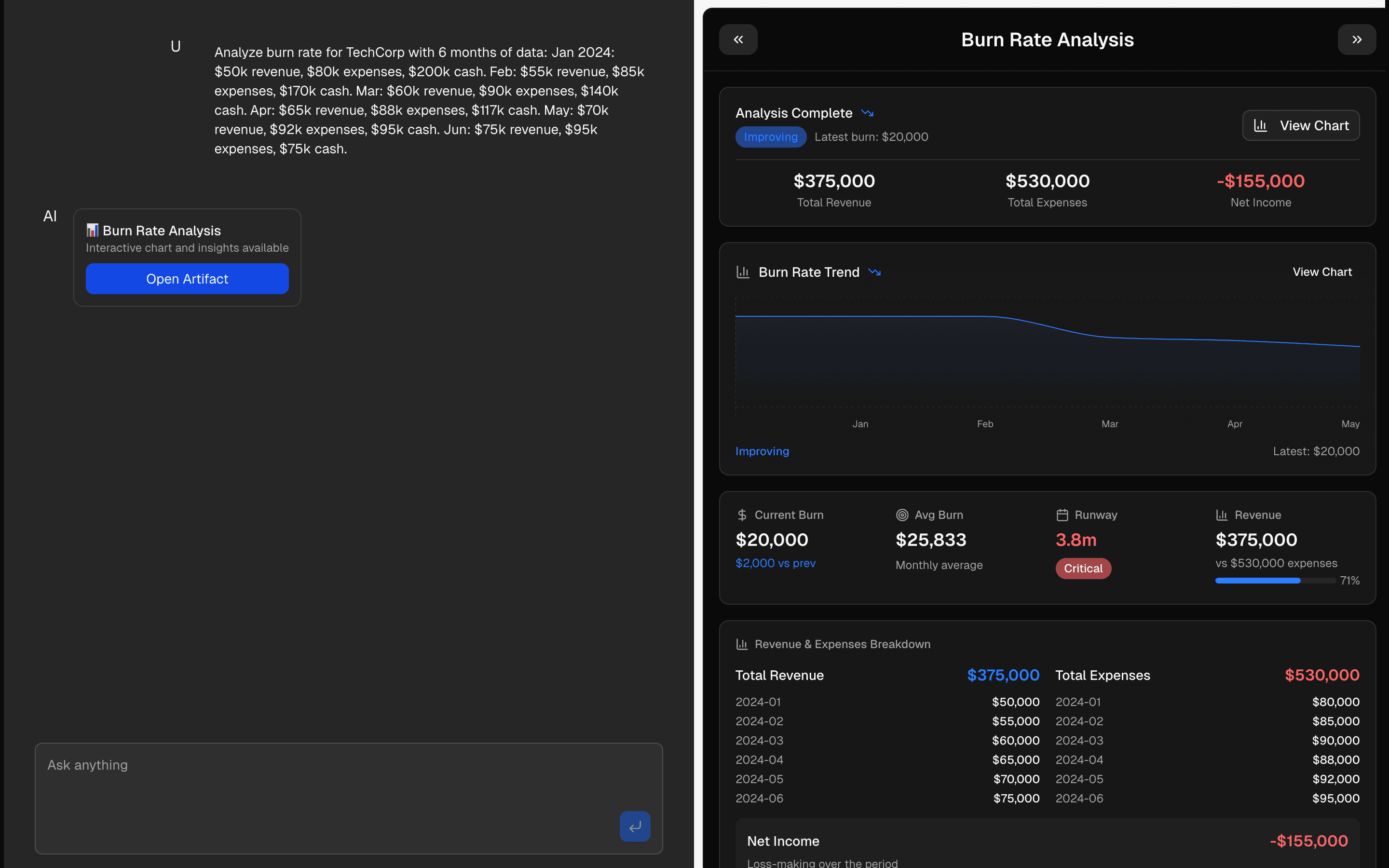
Generate burn rate charts and financial analysis through AI chat. Creates interactive visualizations from conversation.
Use this when users ask financial questions in chat and you need a tool call to return a live chart plus computed runway and expense insights.
Loading pattern preview
Problems solved
Technical challenges this implementation handles out of the box.
- Generate burn-rate chart artifacts from financial chat requests
- Stream progressive chart data while analysis runs
- Compute runway and expense insights alongside the visualization
Use cases
Products and workflows this pattern is designed to support.
- Startup burn-rate dashboards
- Finance copilots that plot runway
- Budget review chats with live charts
- Investor update visualization tools
Compare with
Similar patterns, and when each one is the better fit.
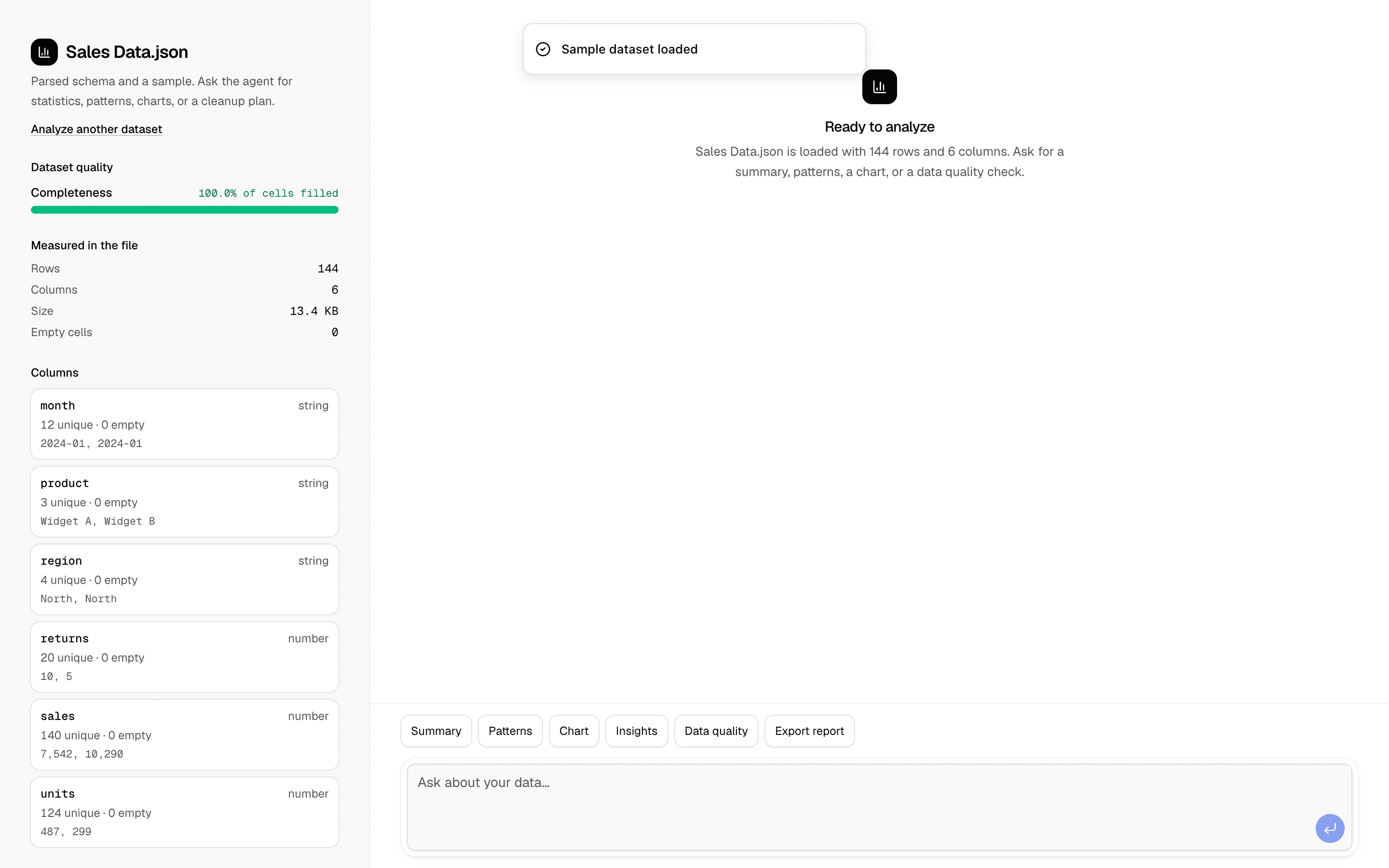
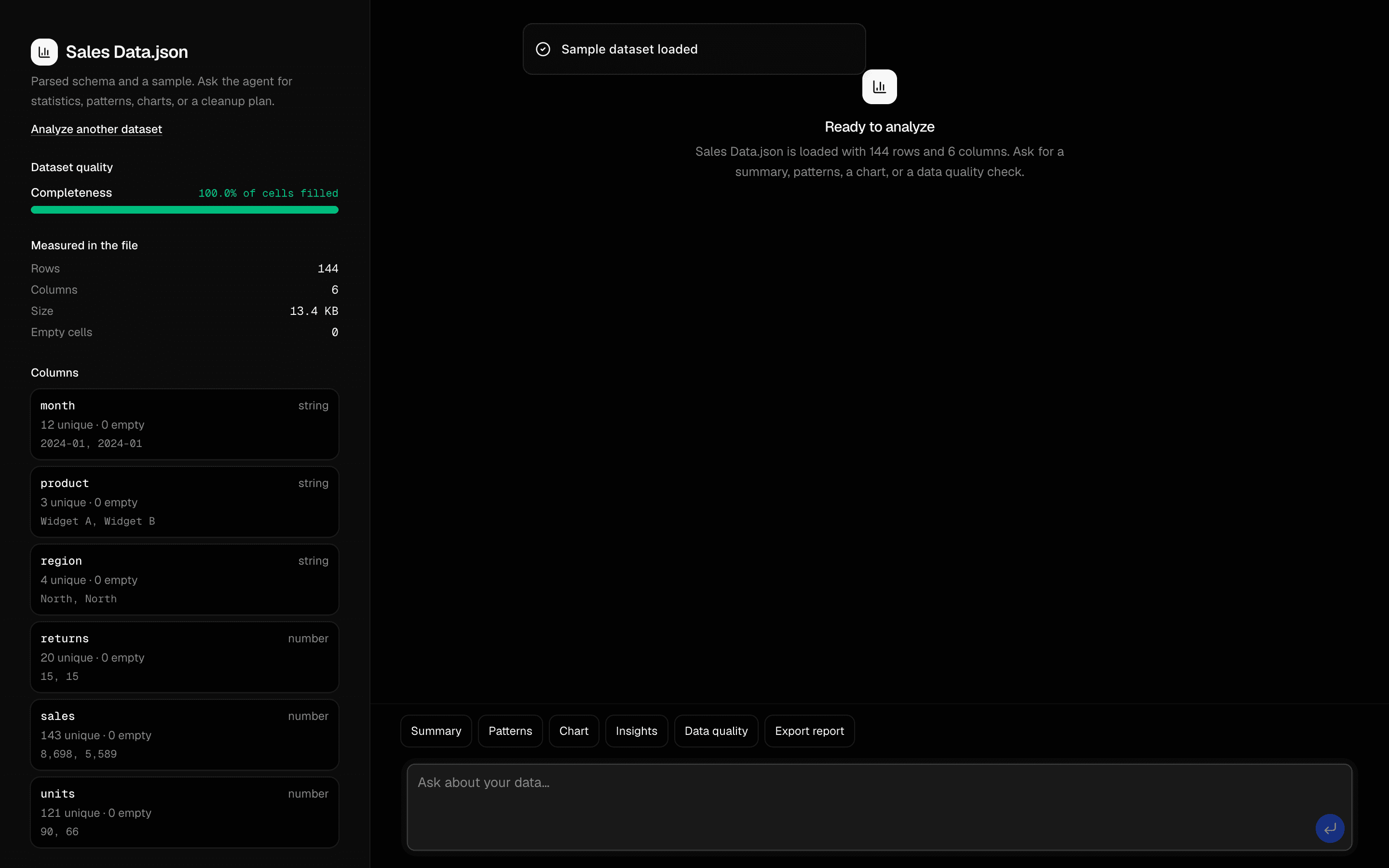 Data Analysis AgentUse this when users upload a CSV or JSON dataset and need an agent to find correlations, outliers, and trends, then chart them and export a report.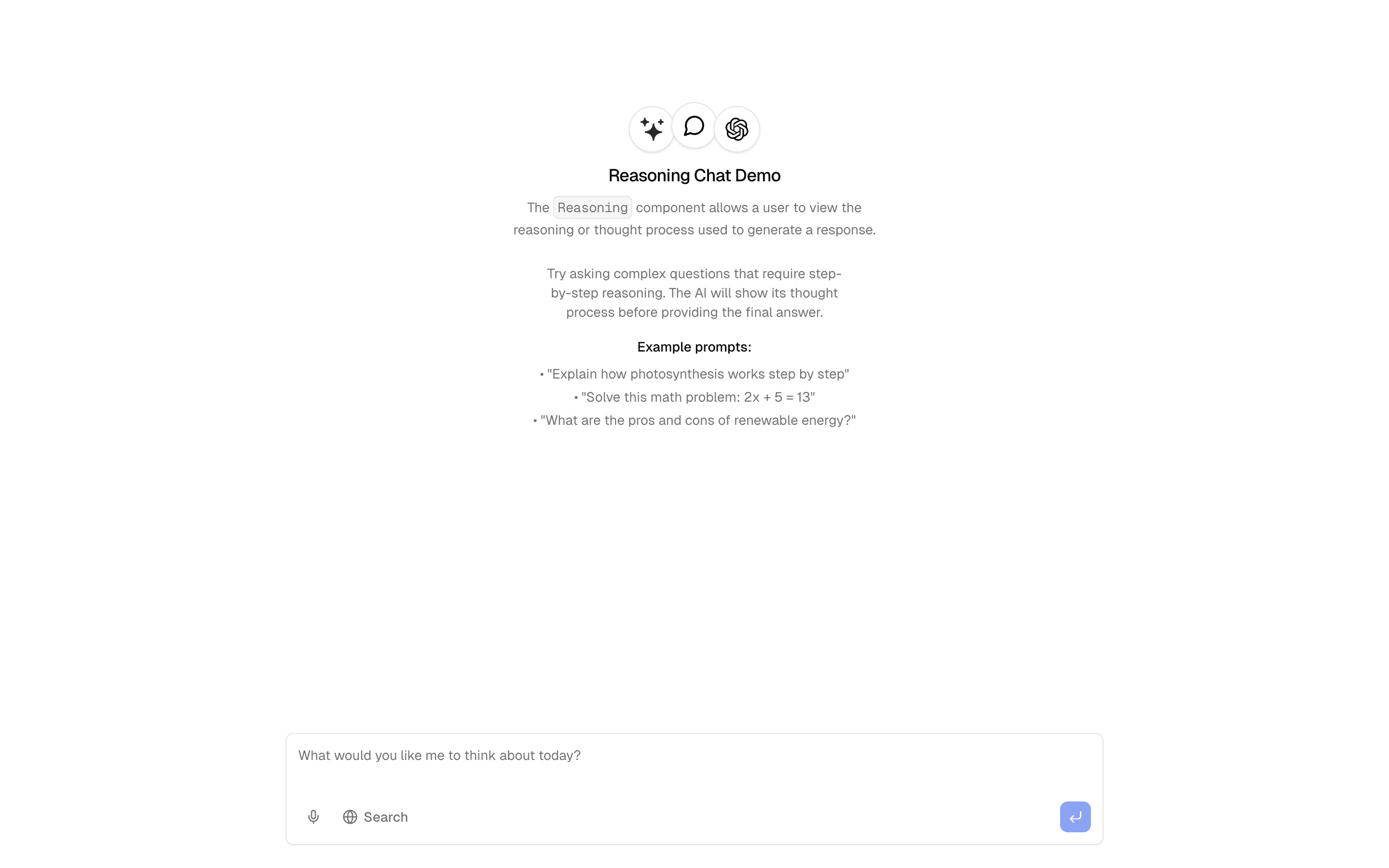
 ReasoningUse this when your chat needs to stream a model's reasoning parts next to its final answer so users can open and inspect how it got there.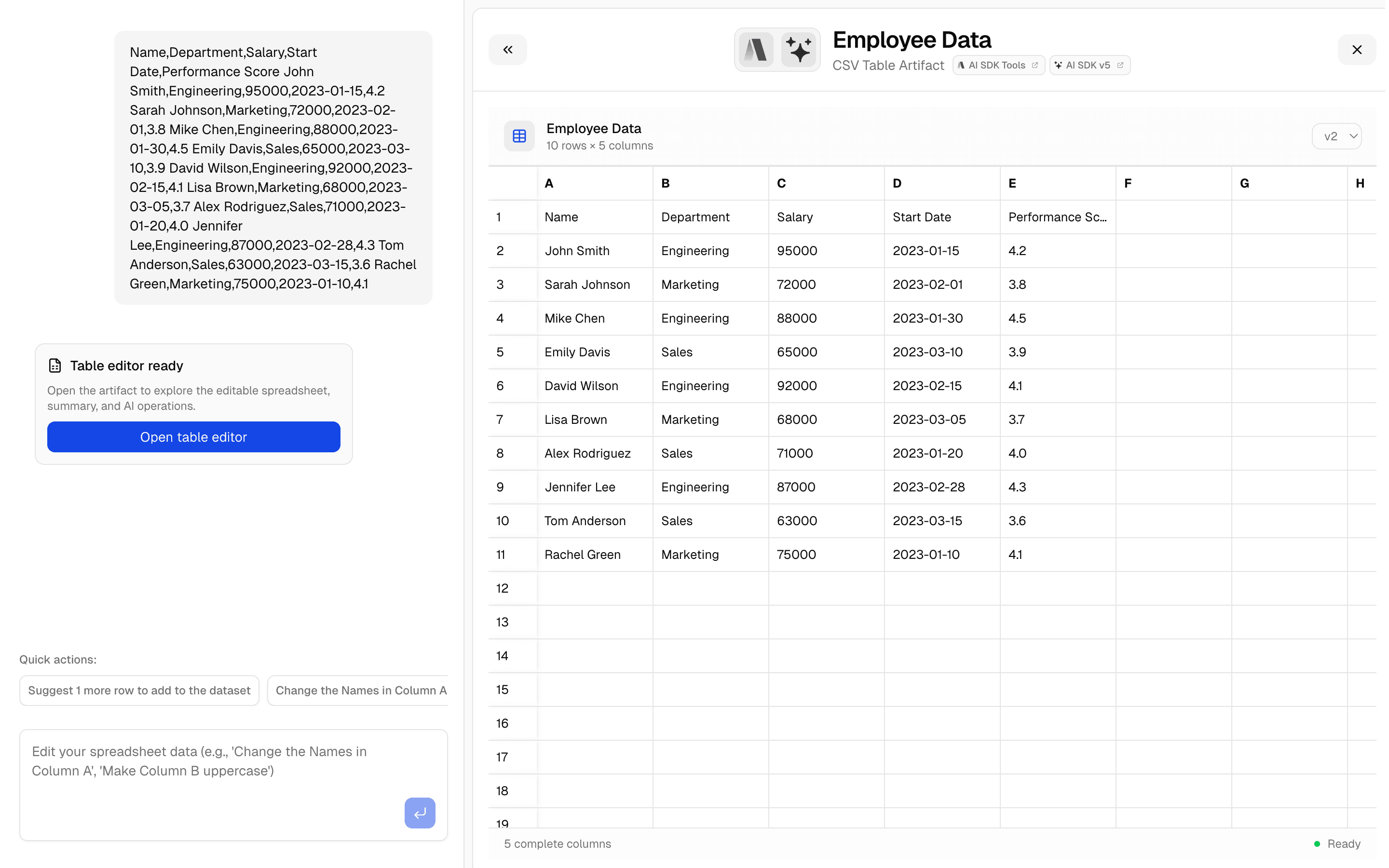
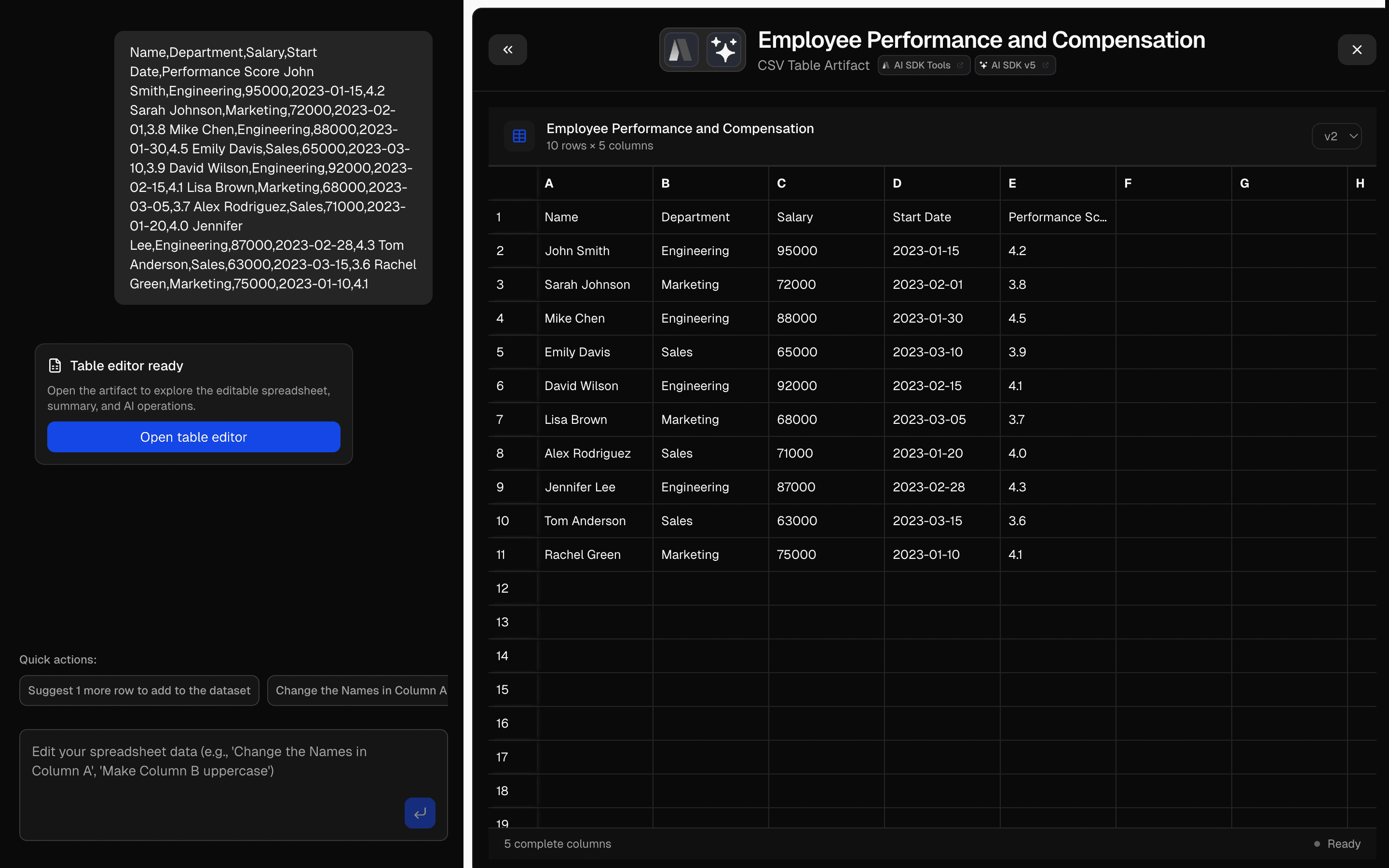 CSV Editor ArtifactUse this when your chat app needs a spreadsheet artifact that auto-detects column types and is backed by Upstash storage.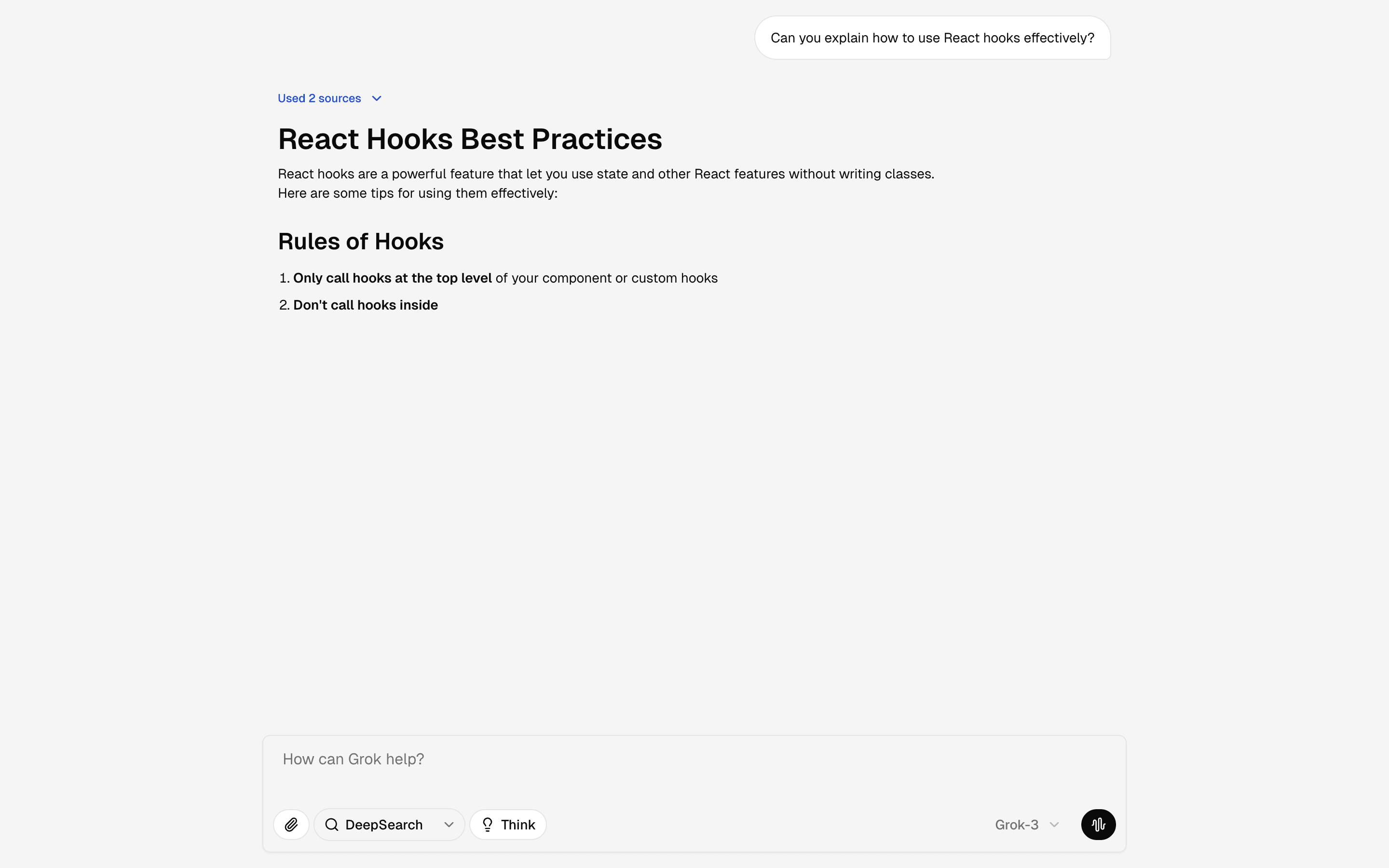
 Chat GrokFreeUse this when you want a front-end reference for a Grok-like assistant shell with prompt tools and suggestions for demos or design reviews.
Setup
Requirements, wiring steps, and what this pattern adds to your project.
Getting started
Pick how you want to pull this pattern in. Then wire env vars and routes the same way.
- 1
Download → Next.js app
Use Download → Next.js app in the preview toolbar. You get a zip scaffold (Pro downloads rewrite preview `/view/.../api/*` paths to `/api/*` automatically).
- 2
Extract the zip and install dependencies
Unzip the archive, then run `pnpm install` (or npm / yarn) in the project folder.
- 3
Fill .env.local
The download includes .env.local placeholders when needed. Add real values for: OPENAI_API_KEY.
- 4
Customize the agent and tool files
Adapt prompts, tools, and stop conditions in the generated project for your product.
- 5
Run the app and open the pattern route
Run `pnpm dev`, open the setup/checklist page if present, then navigate to the generated pattern route and verify responses.
Environment variables
OPENAI_API_KEYGet key
Capabilities
AI SDK APIs
streamTextconvertToModelMessagestoolProviders
OpenAI
External services
Upstash
Files added
25 files
app/page.tsxapp/layout.tsxapp/api/artifact/route.tscomponents/burn-rate-chat.tsxcomponents/expandable-panel.tsxcomponents/burn-rate-analysis-panel.tsxcomponents/burn-rate-chart.tsxcomponents/burn-rate-loading.tsxcomponents/left-panel-chat.tsxcomponents/message-input.tsxcomponents/message-list.tsxcomponents/chat-message-card.tsxcomponents/intro-heading.tsxcomponents/right-panel-artifact.tsxcomponents/right-panel-header.tsxcomponents/status-indicator.tsxcomponents/types.tshooks/use-artifact-panel-state.tsxhooks/use-burn-rate-artifact.tslib/error-handler.tslib/ai/context.tslib/ai/tools/index.tslib/ai/tools/burn-rate.tslib/ai/artifacts/burn-rate.tsREADME.md
Dependencies
18 total
npm packages
9AISDKgeistlucide-reactmotionReactrechartssonnerZodreact-resizable-panels
 Registry components
alertbadgebuttoncalendarcardchartprogressresizabletooltip
Critical files
4 files
artifact/route.tsAPI route for the burn rate chart artifact. Uses runWithContext for AsyncLocalStorage context, streamText with the analyzeBurnRate tool.
tools/burn-rate.tsImplements the analyzeBurnRateTool with a 4-stage progressive streaming pipeline: loading, processing, analyzing, and complete. Uses BurnRateArtifact.stream() for progressive UI updates.
artifacts/burn-rate.tsDefines BurnRateArtifact via artifact(). Zod schema captures: title, stage, currency, progress, chartData array, and optional summary with trends and alerts.
ai/context.tsAsyncLocalStorage-based context management for the chart artifact. Provides runWithContext, getContext, getWriter.
Requirements
- Complexity
- Intermediate
- Setup time
- ~15 minutes
- Node
- 24+
- Memory
- 512MB
Upstash Redis